Works with every MCP-compatible agent
 Claude Code
 Codex CLI
 OpenCode
 Cursor
 Windsurf
 Copilot
 VS Code
 Zed
ZedYour agent writes directly into your editor. Changes appear as colored highlights. Accept with a keystroke. Reject with another. Every word that ships is a word you approved.
One command for Claude Code. For other agents, add the MCP config below.
Claude CodeCodex CLIOpenCodeCursorWindsurfCopilotVS CodeZedGreen for inserts. Blue for rewrites. Red for deletes. Hit a to accept, r to reject. Your keyboard. Your judgment. Your draft.
The morning air was crisp as she stepped onto the platform.
A thin fog clung to the rails, curling around her ankles like something alive.
She checked her watch — the 7:15 was late again, as it had been every day this week.
It was a Tuesday and Tuesdays were always bad.
The station was emptier than usual. That should have been her first warning.
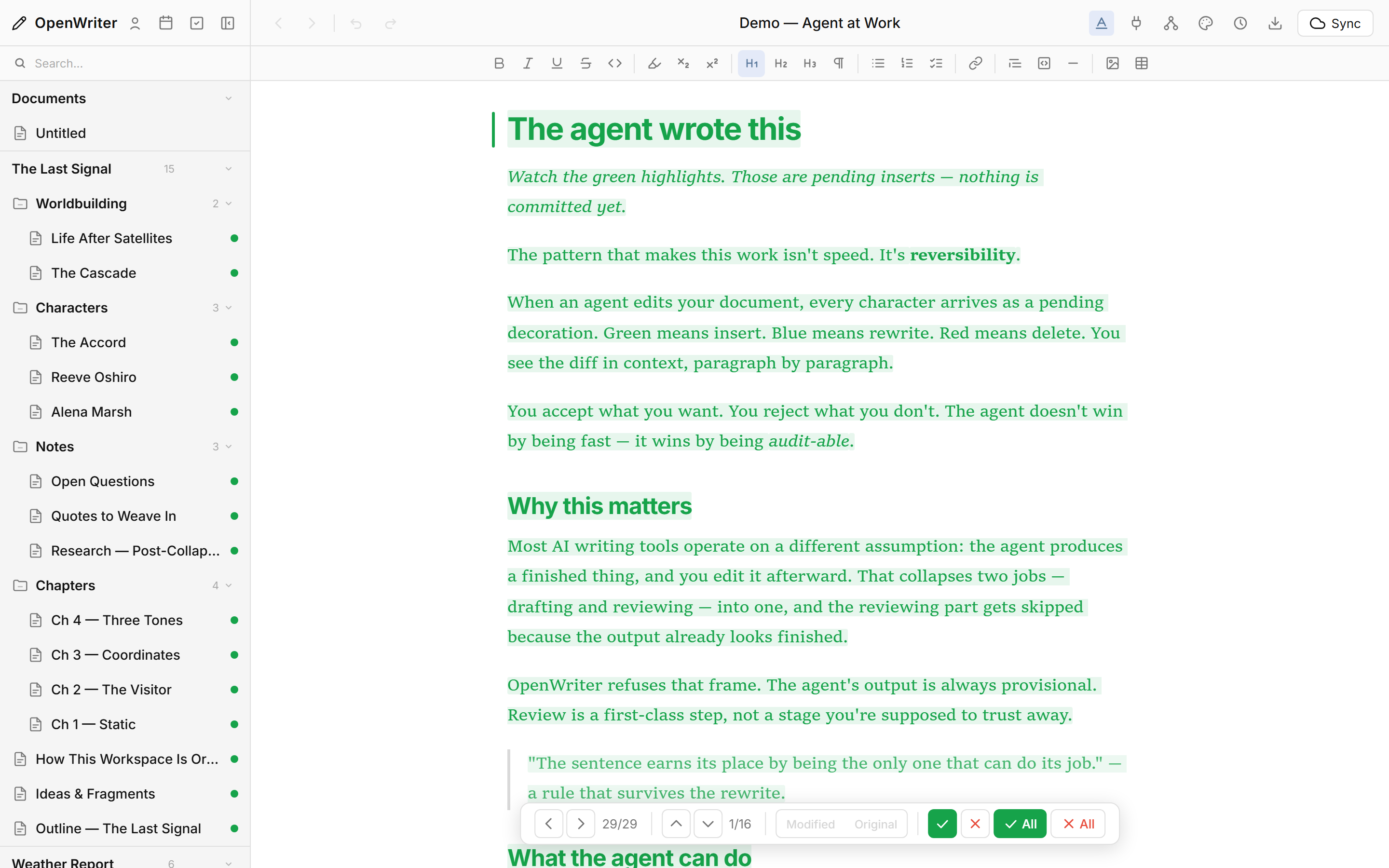
It writes the draft right into your pad. The green highlights are proposals. Everything red is a deletion it's asking for. You stay in the loop on every sentence.
Your agent drafts, rewrites, organizes, schedules, publishes, and sends — without ever asking you to switch tabs.
Create documents. Rewrite paragraphs. Insert images. Edit inline text. Version checkpoints so nothing gets lost.
Spin up workspaces. Nest containers three deep. Move, rename, tag, archive. Your book, your course, your series — structured the way you think.
Post to X, LinkedIn, or GitHub. Schedule with recurring slots. Send newsletters to your subscribers. One agent, every channel.
Pull structured Google Docs. Open raw .md files. Bulk import samples for voice profiling. Your agent ingests, splits chapters, and files it all in the right place.
Agent calls Gemini, drops the image right where you want it. Inline decoration. Cover image. Your call. Your approval.
Tasks. Schedules. Autoplugs. Slots. Subscribers. Your agent can run the whole content operation — you just decide what goes live.
Workspaces carry the character sheets, the style rules, the series bible. Your agent reads them before it writes a line. That's why it sounds like the book — not like ChatGPT.
Select a line. Right-click. Drop a note. The dotted underline tells your agent exactly what you want — no long prompts, no context-switching. The agent addresses every mark on its next turn and clears them as it goes.
If your agent speaks Model Context Protocol, it works with OpenWriter. One command for Claude Code. Three lines of JSON for everyone else. Real-time WebSocket sync means your agent sees every change the instant you approve it.
We don't lock you into a model. Bring whichever agent you already use — same tools, same pad, same pending-change review.
One-command skill install. The skill handles the MCP config, launches the server, and opens your editor — all in the terminal.
Drop the MCP config into your Cursor settings. Every one of the 61 tools becomes available to your in-editor agent.
Same MCP config. Same toolkit. Your Windsurf agent writes into the same pad, reads the same workspaces, and respects the same pending-change mechanic.
Install an MCP extension, plug OpenWriter in, and your editor-bound agent has the whole toolkit — plus live sync to your browser.
Any agent that speaks MCP. Add the server. You're writing together by lunch.
Two agents. Two documents. One editor. Draft the chapter in one session, schedule tweets in the other. Nothing collides.
Four extension points. Four bundled plugins. Open for community development. If you want your agent to do something custom, someone's probably already written it.
Plugins ship their own tools. Your agent picks them up automatically — no config, no restart.
Add API endpoints that your agent can hit. Integrate anything — your CRM, your scheduler, your research stack.
Right-click a selection — get plugin-provided options. Agent runs them with the selected text as input.
Document-level plugin commands. Right-click a doc in the sidebar — plugin actions show up alongside the defaults.
61 MCP tools. Real-time sync. Approve-or-reject review. Whichever agent you already trust, it'll feel at home here.
Install The Skill