Write To Any Platform
With Your Agent.
A real editor. Five compose layouts. Multi-platform publishing. Your own newsletter. And an AI that finally sounds like you. One pad.
Auto-Post To Major Platforms
Your agent ships the finished piece straight to where your audience is. No copy-paste, no second tool.
X
Threads, articles, and single posts, composed in a pixel-accurate X view.
Posts and articles to your professional network, drafted in your voice.
Blog
Auto-post to your own site, committed as markdown to your repo via GitHub.
A Real Editor, Not a Text Box
Tiptap 3.0 under the hood. Full formatting, markdown-native storage, and your AI agent works right alongside you.
Full Formatting
Headings, lists, blockquotes, code blocks, tables, links, images — everything you need. Markdown shortcuts inline.
61 MCP Tools
Your AI agent gets document editing, workspace management, versioning, publishing, newsletter, and image generation — all via Model Context Protocol.
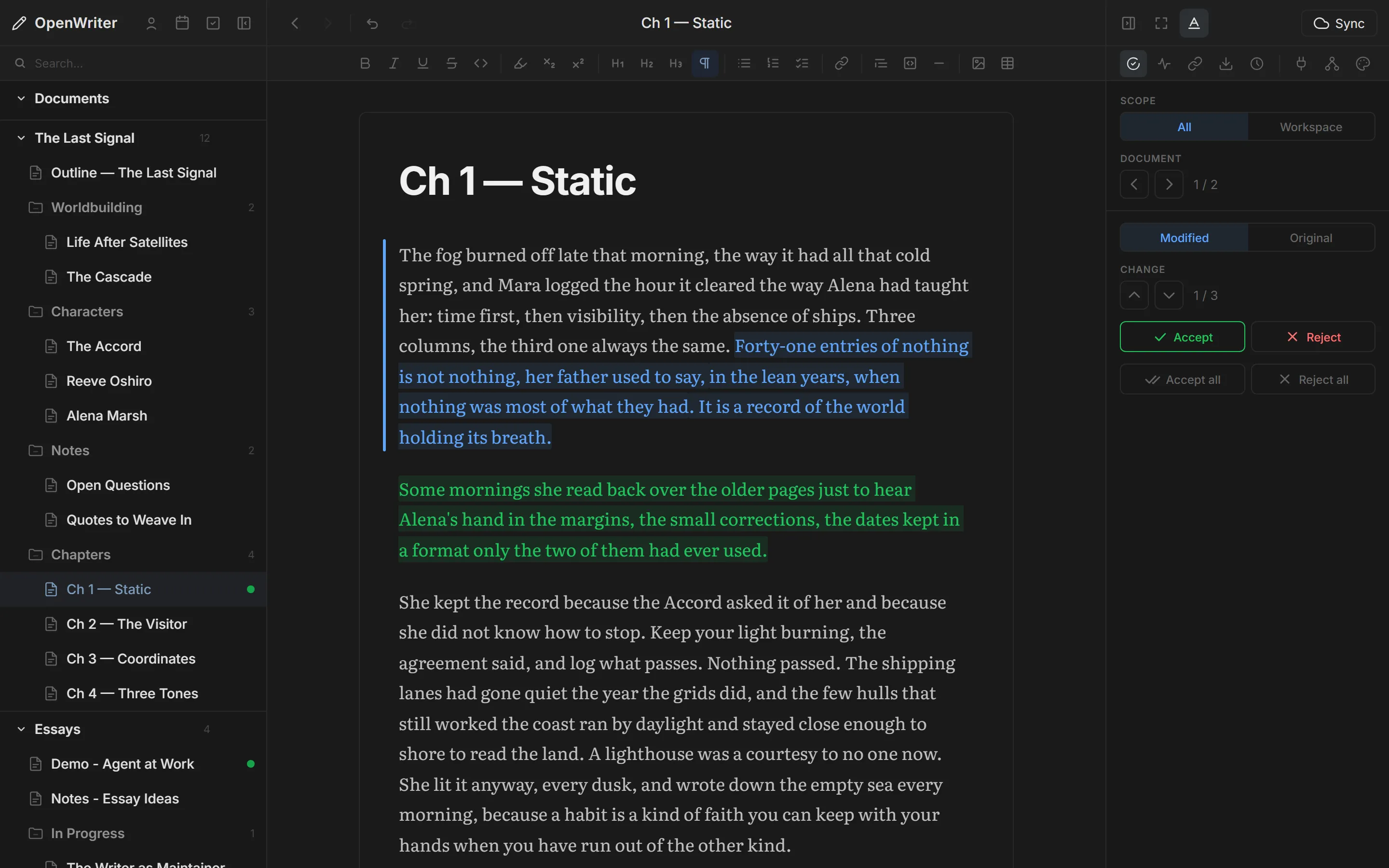
Pending Change Review
Agent changes appear as colored decorations — green inserts, blue rewrites, red deletions. Navigate with j/k, accept with a, reject with r.
Markdown Native
Plain .md files on disk. No database, no lock-in. YAML frontmatter for metadata. Export to HTML, DOCX, PDF.
Your AI Writes. You Stay The Author.
Every change shows up as a colored decoration. Two keystrokes — a or r — and the work keeps moving.
Switch Formats Without Switching Tools
Five compose views, each optimized for its platform. Switch modes without leaving the editor.
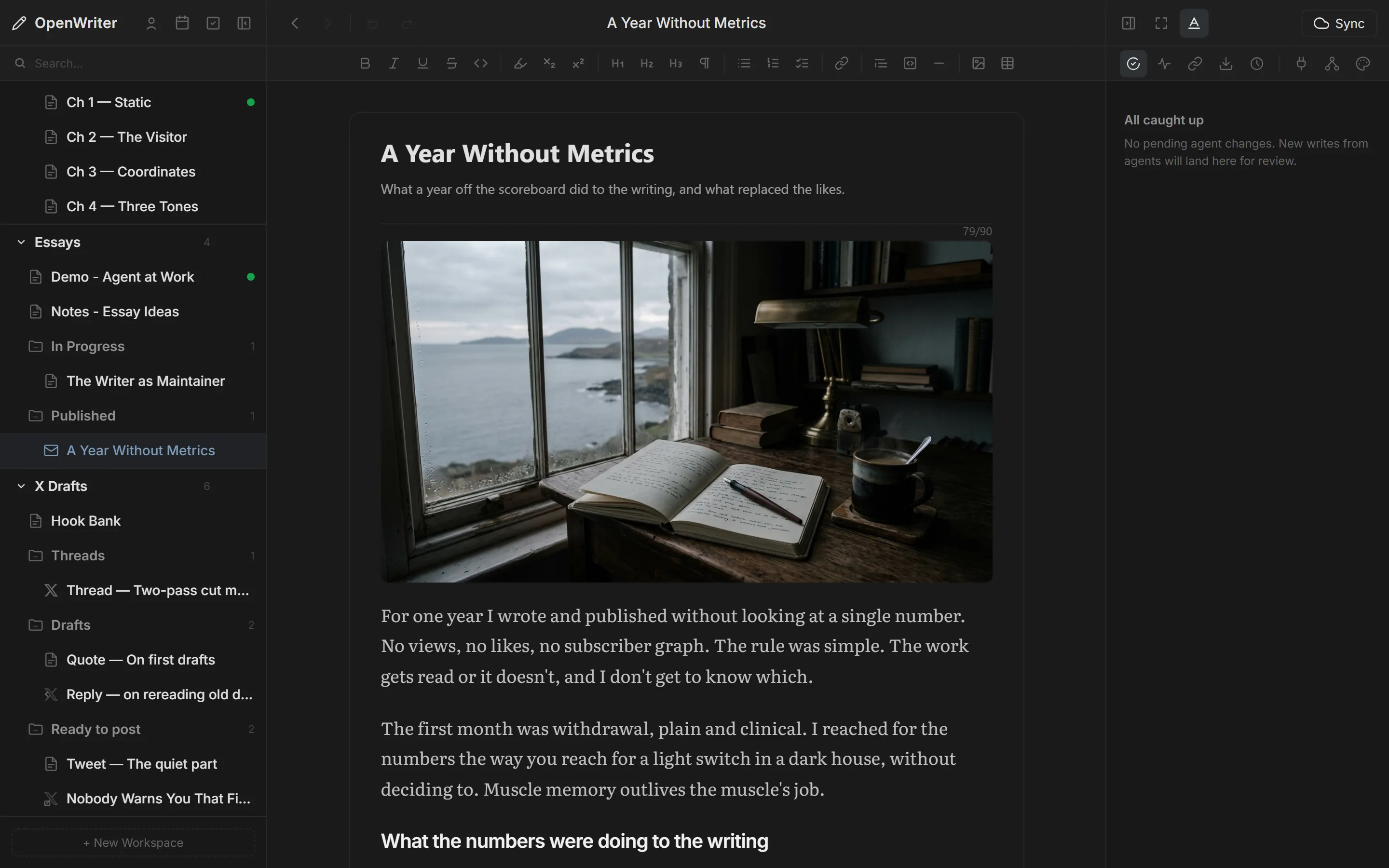
Document
Full rich text editing with all formatting options. The default for notes, chapters, and drafts.
Tweet
Multi-tweet threading at ---, 280-char validation, up to 4 images, reply/retweet/quote variants.
Article
X Article renderer with cover image, byline, character warnings, and 2 style presets (Classic, Editorial).
Blog
Metadata fields for title, description, tags, author, slug, date, and draft toggle. Cover image and font presets.
Newsletter
Subject line, preview text, WYSIWYG email preview, 4 style presets, send and preview.
Agent Marks
Select text, right-click, and leave feedback notes for your agent. Direct creative control over AI output.
A Novel Is A Folder. A Course Is A Folder. A Year Of Newsletters Is A Folder.
Workspaces group your documents into projects. Nest containers for parts, chapters, sections — any depth you need. Tag across boundaries, search everything, checkpoint versions so you never lose a draft.
4 Ways to See Your Work
Switch between views depending on how you think. Every view operates on the same workspace.
Tree
Hierarchical file browser. The default for navigating nested chapters, parts, and containers.
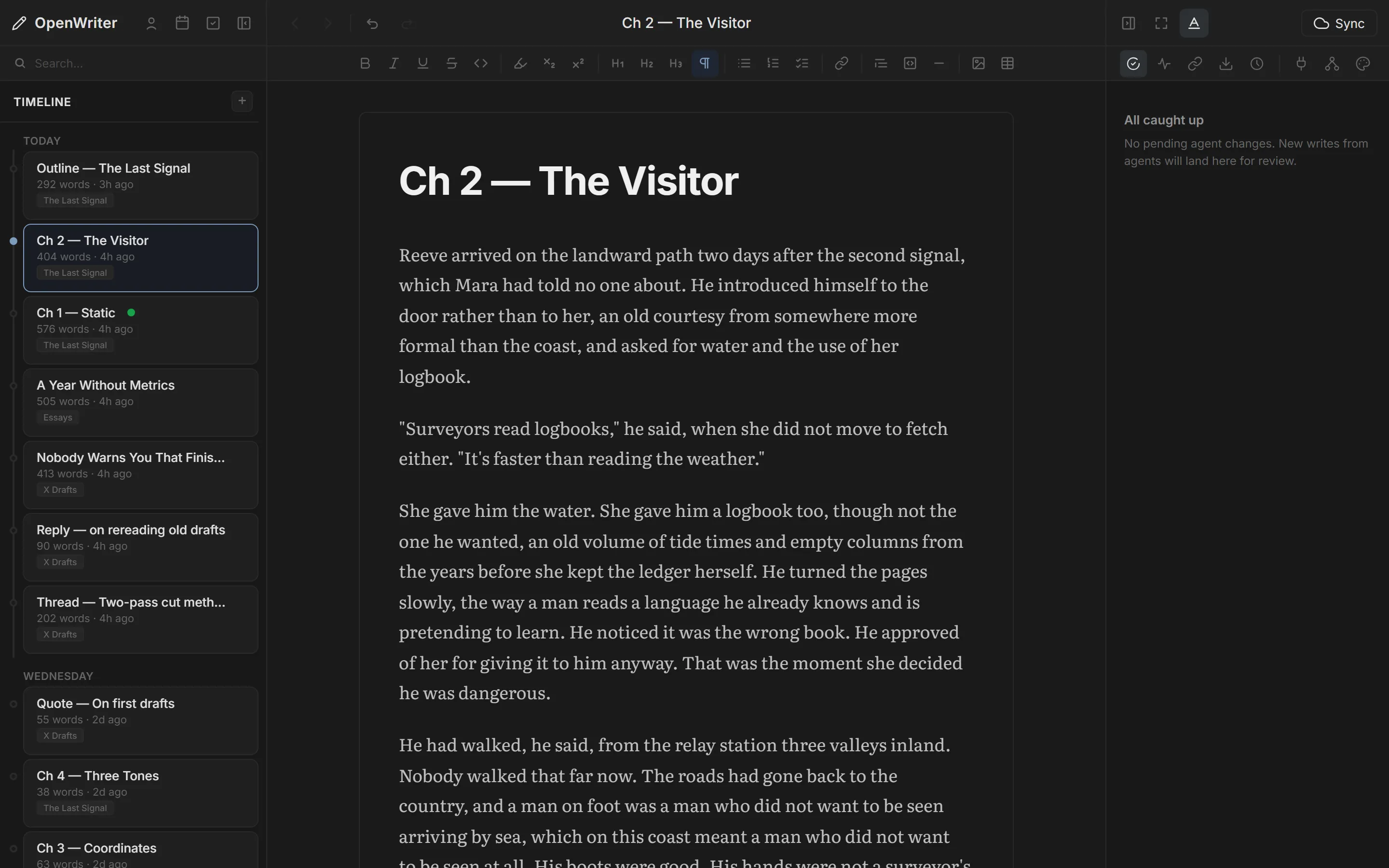
Timeline
Chronological view. See documents by when they were created or last edited. Great for tracking writing progress.
Board
Kanban-style columns. Track documents through stages like Draft, Review, and Published.
Shelf
Visual grid. Browse documents by cover image and title — like a bookshelf for your writing projects.
Connect Once, Publish Everywhere
OAuth connections to X, LinkedIn, and GitHub. Connect once, publish from any compose view. Tokens are AES-256-GCM encrypted with automatic refresh.
X/Twitter
→ Tweets, threads, articles
→ Up to 4 images per tweet
→ Updates with rich media
GitHub
→ Commit .md to any repo
→ CI/CD rebuilds your blog
Your Mailing List. Inside The Editor.
Send newsletters right from the editor. SendGrid-powered delivery with 4 style presets, custom sender domains, subscriber management, and analytics. No separate email tool.
Light Or Dark. Serif Or Sans. Your Call.
Two modes, six typefaces, four canvas styles, and adjustable spacing. Tune the page until it gets out of the way and only the words are left.
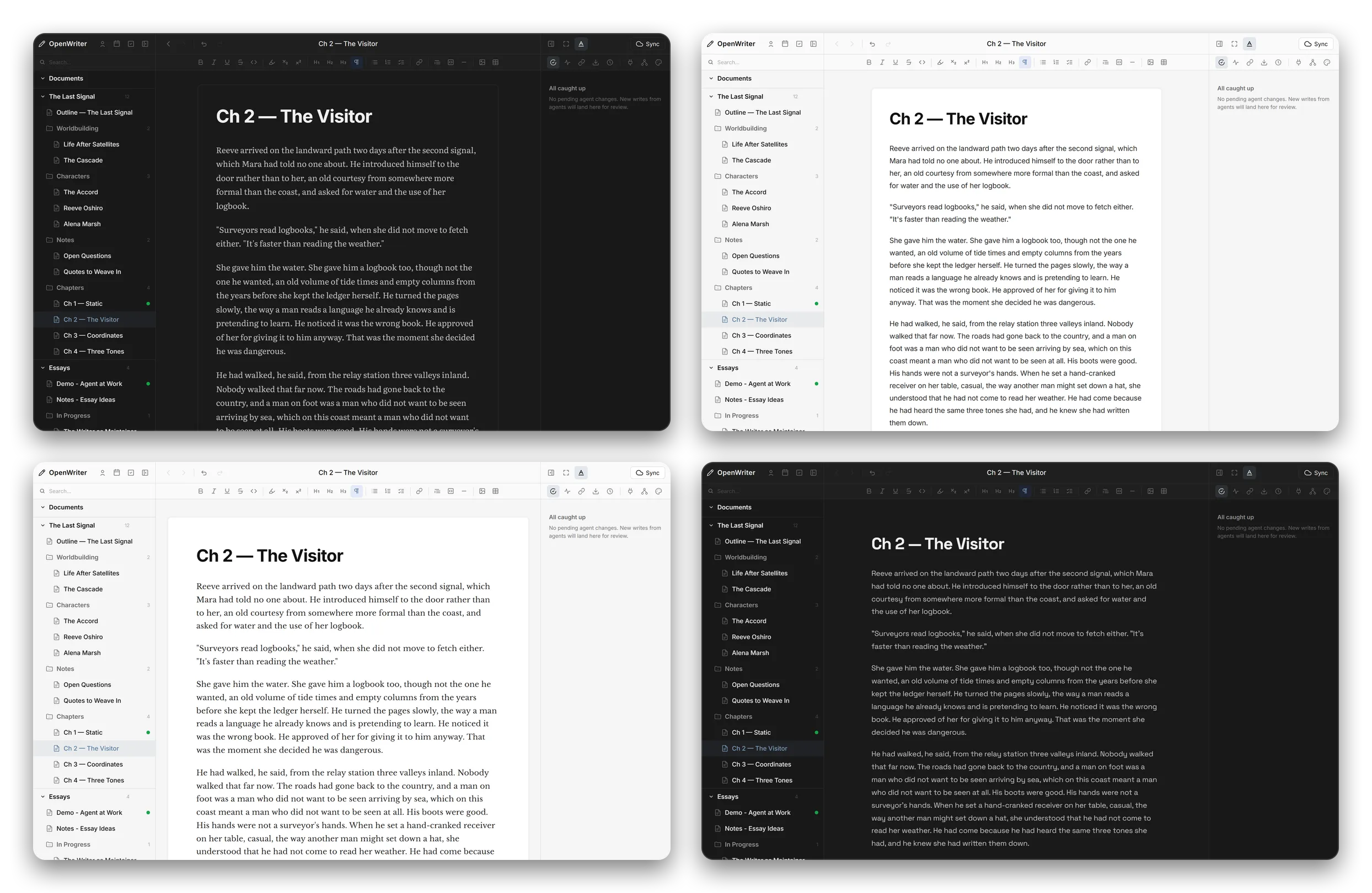
Light & Dark
Draft at 2pm or 2am. Both modes ship, and every typeface reads cleanly in either one.
Six Typefaces
Charter, Crimson, Inter, Baskerville, Grotesk, Literata. Serif when you're drafting prose, sans for everything else.
Four Canvas Styles
Outline, Page, Paper, or Seamless. Decide how much sits between you and the text.
Spacing Presets
Default, Web, Blog, or Butterick line spacing. Match the page rhythm to what you're writing.
Your Plugins. Your Rules.
4 extension points. 4 bundled plugins. Open for community development.
MCP Tool Registration
Plugins register tools accessible by any MCP agent. Define inputs with JSON Schema.
HTTP Route Registration
Add custom API endpoints to the local server. Access editor state and document data.
Context Menu Items
Right-click actions on text selection. Conditions: has-selection, empty-node, always.
Sidebar Menu Items
Right-click actions on documents in the sidebar. Custom document-level operations.
Install It. Start Writing In A Minute.
Install in seconds. Write in any format. Publish everywhere.
Get Started